

6 min read
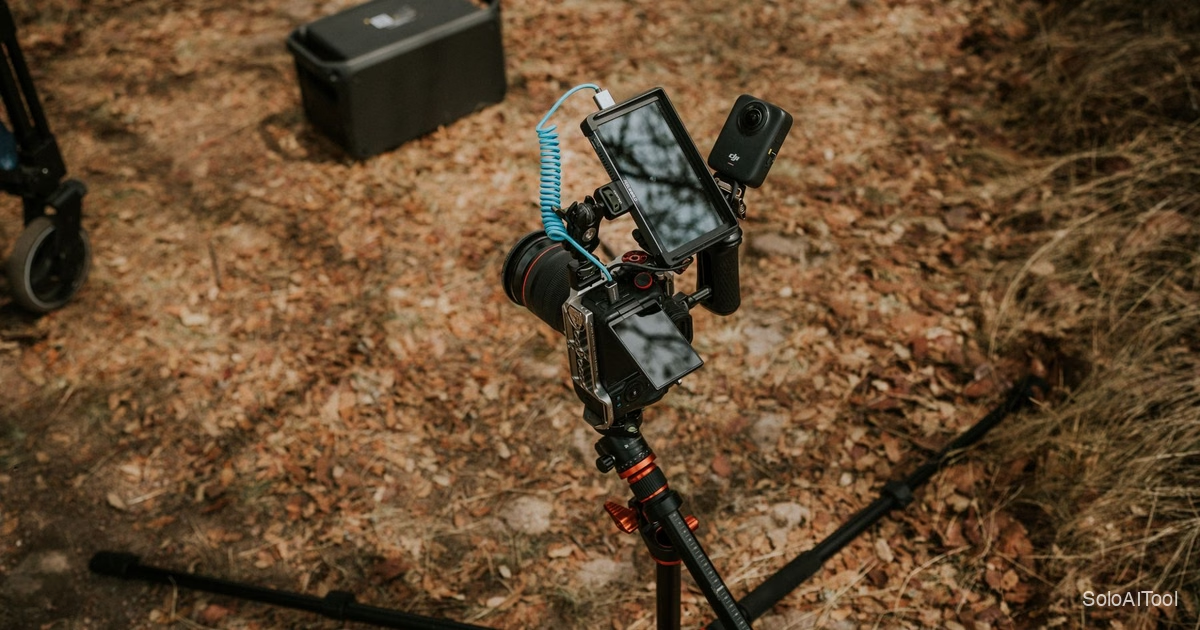
It is the second Saturday of November, and Marisol has her camera on a tripod under a row of maple trees. Every 20 minutes a new family arrives for a holiday mini-session: a quick, discounted photo shoot that many portrait photographers run this time of year. Last year this was her most profitable month and her most miserable one. This year, she says, it is just busy.
Marisol is an illustrative composite, built from common situations solo photographers describe, not a real person. The tools and steps are real, and the numbers are realistic estimates rather than reported results.
The problem: 40 sessions, 400 messages
Marisol is a solo family photographer. Her holiday mini-sessions are simple on paper: 20 minutes, 15 edited photos, one location, two weekends. She usually books around 40 of them.
The trouble was never the photography. It was everything around it. Last year she tracked it roughly and found she had spent close to 10 hours a week in her inbox during the booking season:
- Families asking which slots were still open, and her replying with a list that was out of date an hour later.
- The same eight questions, over and over: what to wear, what happens if it rains, can the dog come, when will photos arrive.
- Reminders she meant to send and sometimes forgot, leading to three no-shows in one weekend.
- Gallery delivery emails written one at a time at midnight.
She did not want a complicated system. She wanted fewer messages and no more empty slots.
Step 1: A booking page instead of a slot list
The biggest change involved no AI at all. Marisol already used Google Workspace for her email, so she set up an appointment schedule in Google Calendar. It is a booking page where clients pick from the open times you define, and taken slots disappear automatically. Google describes the feature on its appointment scheduling page, and depending on your Workspace plan it can also send confirmation and reminder emails.
She created 20-minute slots with a 10-minute buffer between families, for both weekends, and put the link in her Instagram bio and her mini-session announcement.
What changed: “Which times are left?” messages simply stopped. That one question had been about a third of her inbox.
Step 2: One AI-written FAQ, checked line by line
Next, she tackled the repeat questions. She opened her AI assistant and pasted in a dozen of last year’s client emails, with names and contact details removed, and asked:
These are questions clients asked about my holiday mini-sessions. Group them into the 8 most common questions and draft a short, friendly answer for each, using the details I give you below. Do not invent policies.
Below the prompt she listed her real policies: rain date, wardrobe advice, pets allowed if leashed, gallery in two weeks, no refunds within 48 hours but free rescheduling.
The draft was about 80% right. She fixed two answers that were too vague and one where the AI had softened her rescheduling policy into something she had never offered. That last fix matters. An AI that guesses at a policy creates a promise you will be asked to keep.
The final FAQ went into three places: the booking page description, a pinned Instagram story, and the confirmation email.
Step 3: Reply templates with AI help for the odd ones
Some messages still came in. For the routine ones, she saved a handful of reply templates. For the unusual ones, such as a grandparent in a wheelchair or a family wanting to add a second location, she used Gemini in Gmail to draft a reply from her own notes, then edited it before sending.
Her rule was simple: AI drafts, she decides. She never let a draft go out that changed a price, a date or a policy without her reading it twice.
Step 4: Reminders that actually went out
With the booking page sending confirmations, Marisol added one more personal reminder two days before each session, a short message with the parking details, the rain plan and a gentle “reply if you need to reschedule”. She wrote it once with AI help and reused it.
This is the same pattern we saw in our story about a solo dog groomer who cut no-shows: the reminder itself is not clever. What helps is that it always goes out, and that rescheduling is easy enough that people do it instead of disappearing.
Step 5: Gallery delivery in one sitting
After the shoots, delivery used to be her midnight job. This year she batched it. She dictated a quick voice note about each family while culling (the kids’ names, one moment she loved) and used AI to turn each note into two warm sentences at the top of an otherwise standard delivery email. Our beginner’s guide to speech to text covers how to do that voice-to-text part.
Each email still felt personal, because the details were hers. The AI only did the tidying.
What changed, in realistic numbers
- Inbox time during booking season: from about 10 hours a week to around 4.
- No-shows: from 3 in one weekend last year to 1 across both weekends.
- Booked sessions: the same 40, but filled faster, because families could book at 11 p.m. without waiting for her reply.
- Total setup time: about one afternoon.
She also noticed something she had not expected. With fewer messages, she had time to send each family a short thank-you with a link to leave a review. Reviews from that season roughly doubled.
What did not work
Not everything was smooth, and it is worth knowing where she drew lines:
- She tried having AI answer Instagram DMs automatically and turned it off after a day. The replies were accurate but felt flat, and a couple of families clearly noticed.
- She did not let AI write her mini-session pricing. Pricing came from her own numbers. If you want help there, our 90-minute workflow for raising prices with AI keeps you in charge of the math.
- The first FAQ draft contained a made-up policy. Reading every line before publishing is not optional.
Your first step, if this sounds familiar
If you sell anything in short, bookable slots, whether photo sessions, lessons, consultations or grooming, start where Marisol did. Not with AI, but with a booking page that removes the “what’s available?” question entirely. Then use AI for the next layer: a checked FAQ, a reusable reminder, and personal touches added in bulk.
You do not need all five steps before your busy season. Step 1 and Step 2 alone would have saved her most of those hours. Which part of your booking process eats the most messages?

